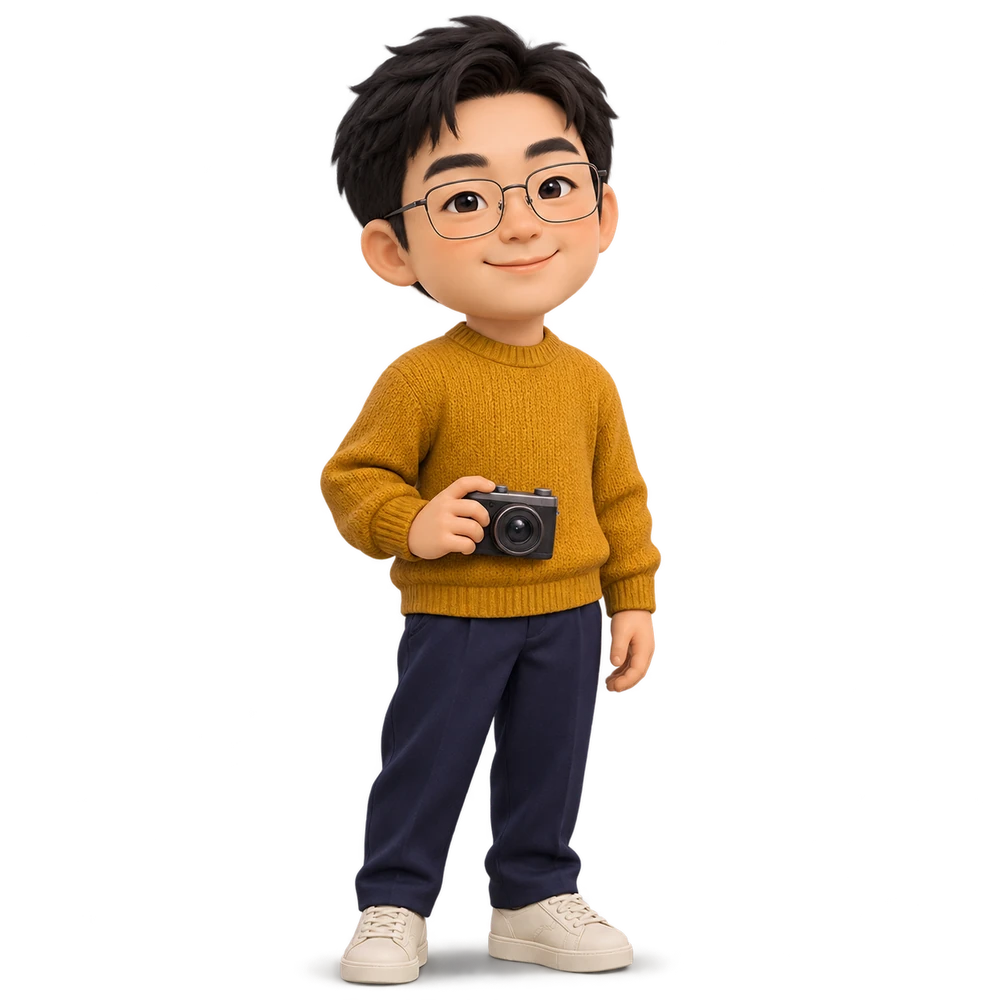
AI design example
One person
Keep the face clear. Name the hairstyle, outfit and pose you want the design to follow.
Start with a photoThe reference desk
Choose who belongs in the portrait, then note the hairstyle, outfit or pose you want to keep.
Choose the matching subject when you start your photo request. These AI illustrations show design ideas, rather than finished customer orders.
AI design example
Keep the face clear. Name the hairstyle, outfit and pose you want the design to follow.
Start with a photo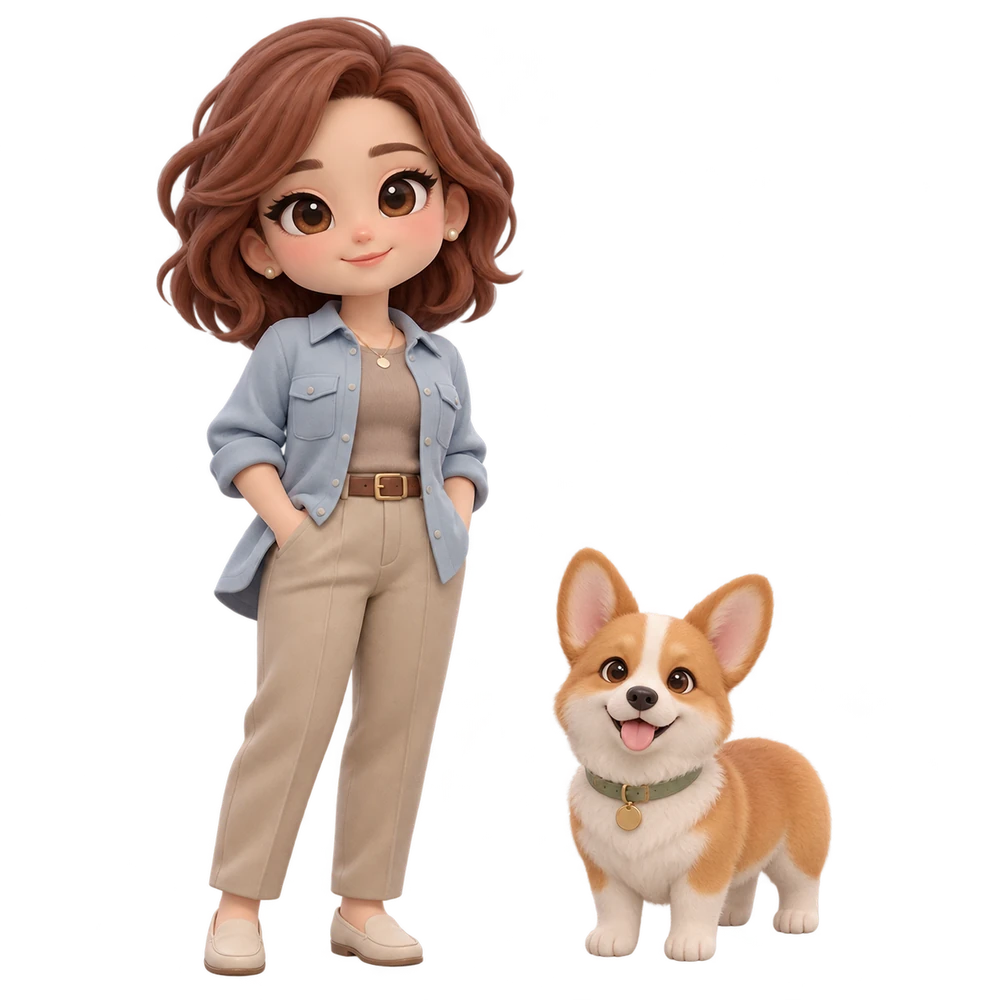
AI design example
Show the person and pet clearly. Mention coat markings or an outfit detail that matters to you.
Start with a photo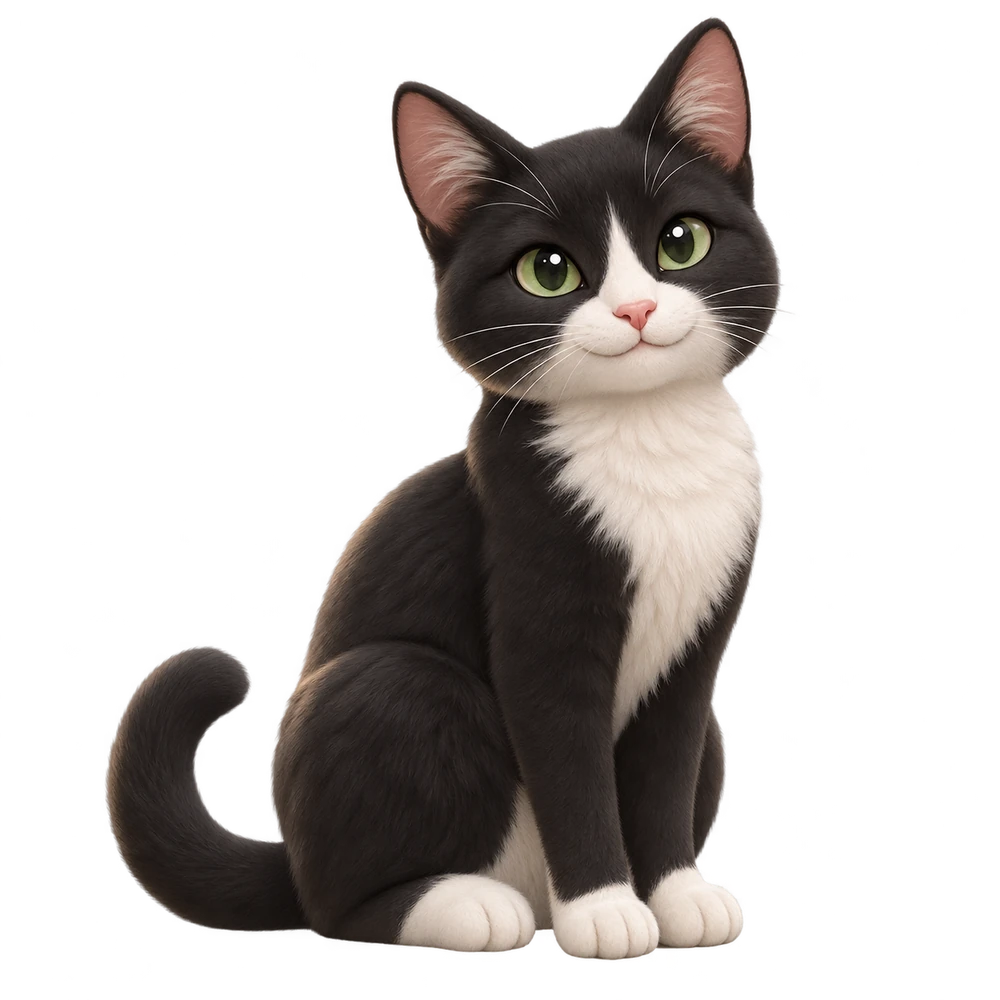
AI design example
Choose a photo with clear eyes, visible ears and useful coat detail. Note any markings you want to keep.
Start with a photo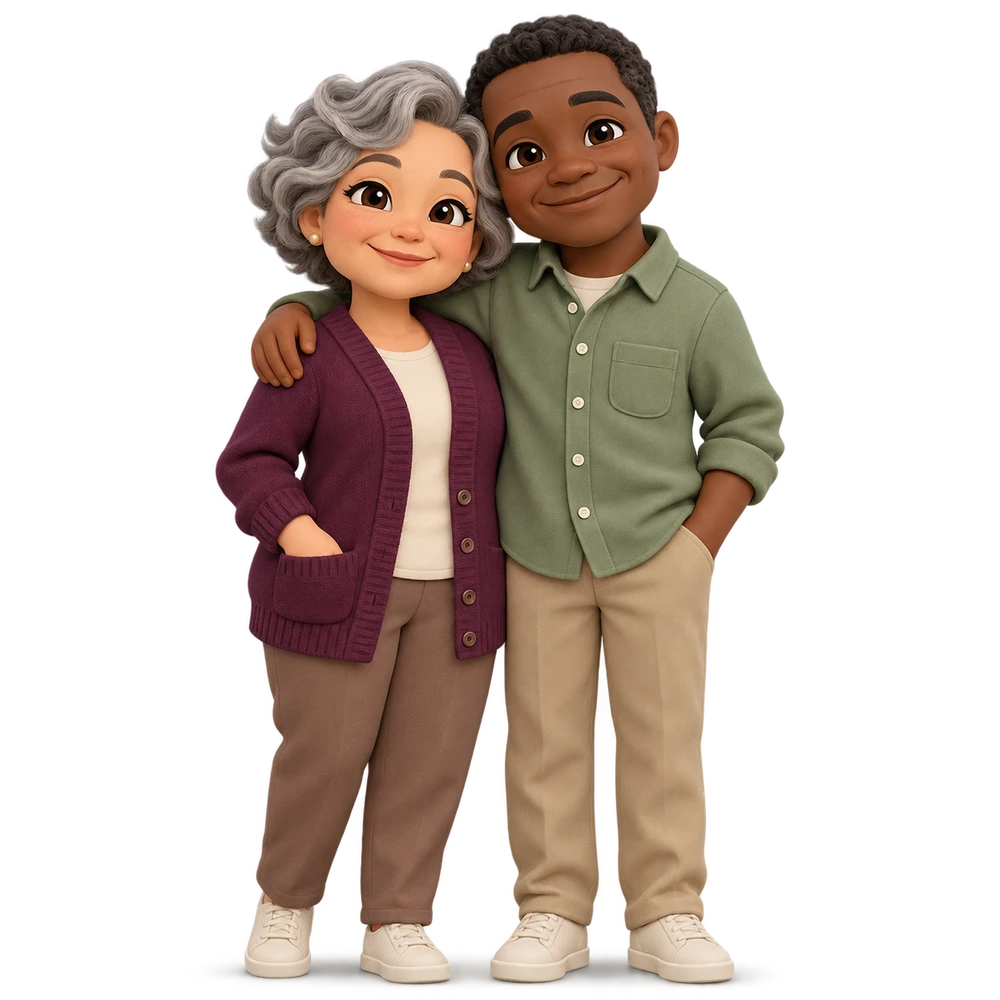
AI design example
Choose a pose that shows how the pair belong together, with both faces visible in the reference.
Start with a photo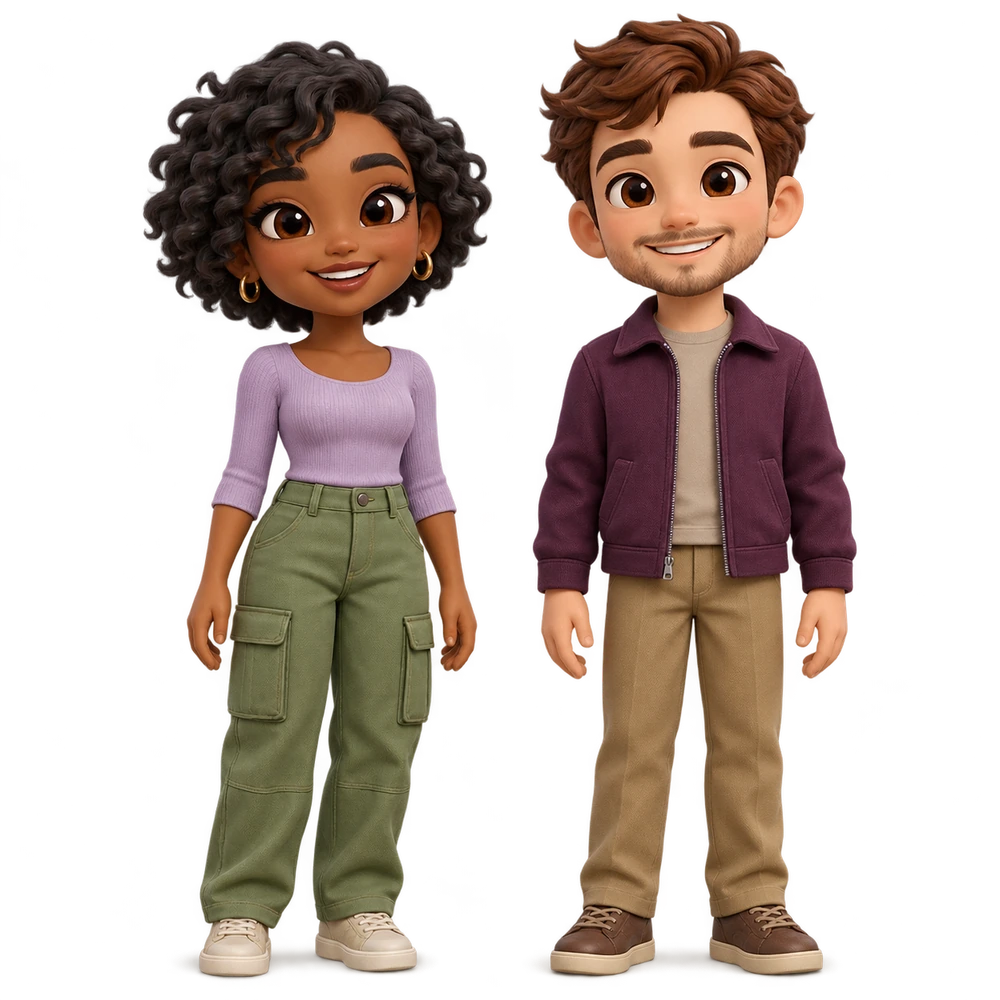
AI design example
Give each person a clear reference and describe which clothing and details belong to whom.
Start with a photo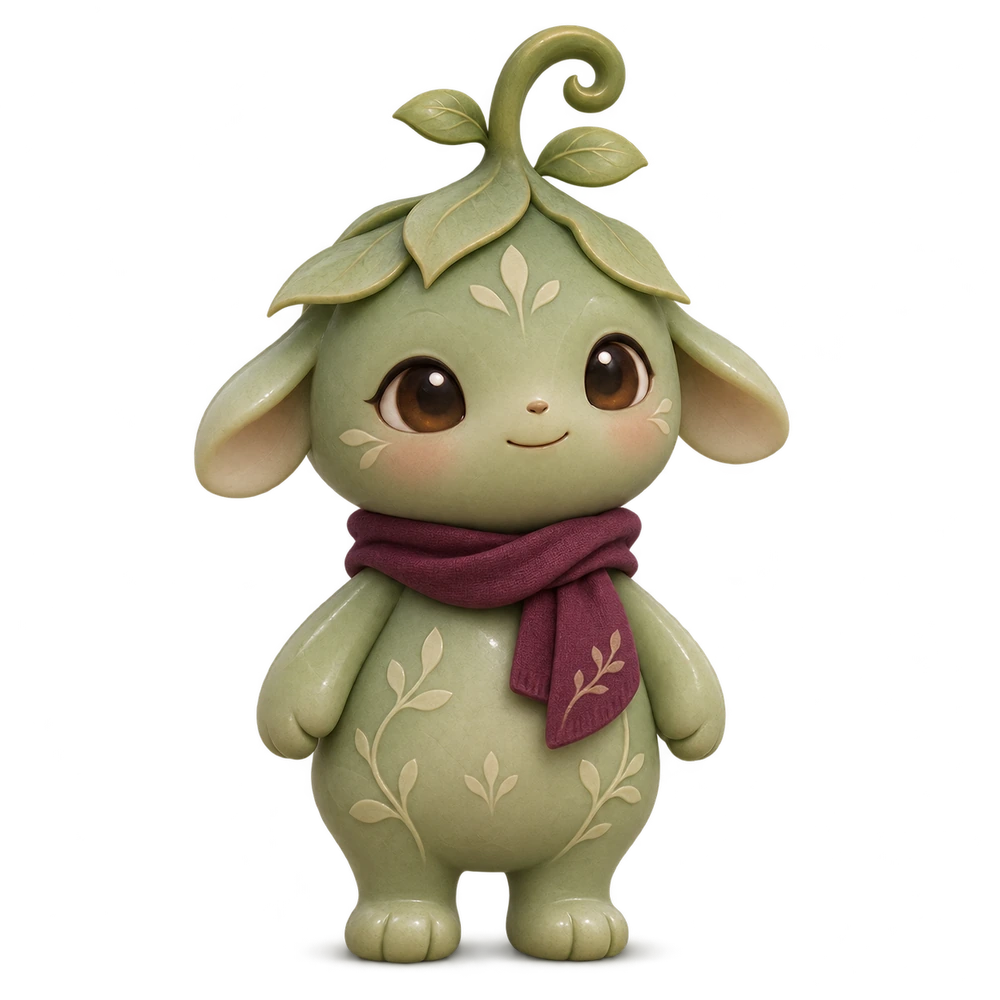
AI design example
Use your original character reference. Describe its shape, colours and the few features you want to keep.
Start with a photoA few specific instructions are more useful than a long list of possibilities.
Use a clear photo with visible eyes and even light. Avoid a heavy filter or an object covering the face.
Say whether the design should follow the clothes and pose in the photo. Explain a different outfit in plain words.
Prioritize a hairstyle, glasses or a meaningful accessory. Ask the team about a complex detail before ordering.
The preview is a stylized AI image, not a photograph of the physical figure. Check the subject, outfit and overall pose before continuing.
For three or more people, unusual combinations or an essential accessory, contact the team before starting.
Start your request on Custom3DFigure. Your design preview arrives by email, and the private link lets you review available sizes and the final price before purchasing a figure.
Start with a photoPhoto previews and orders are handled by Custom3DFigure.
Read the detail guide