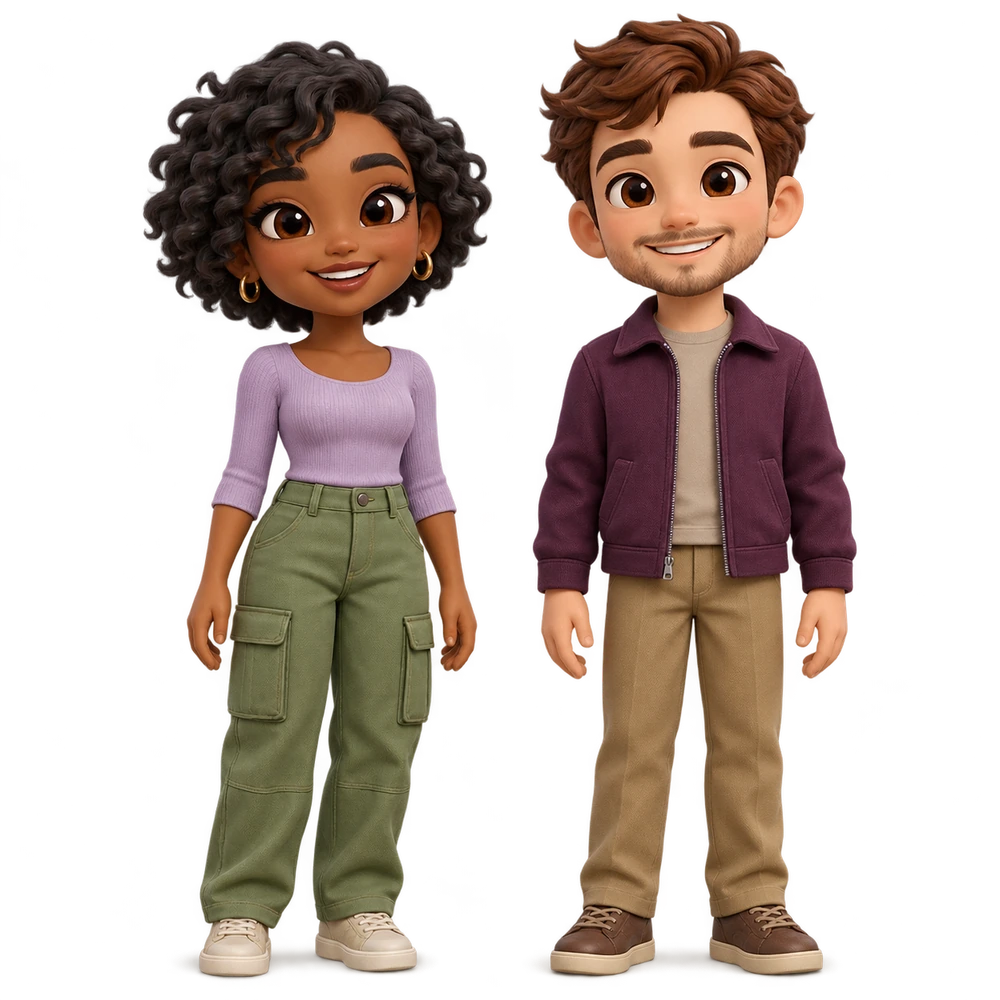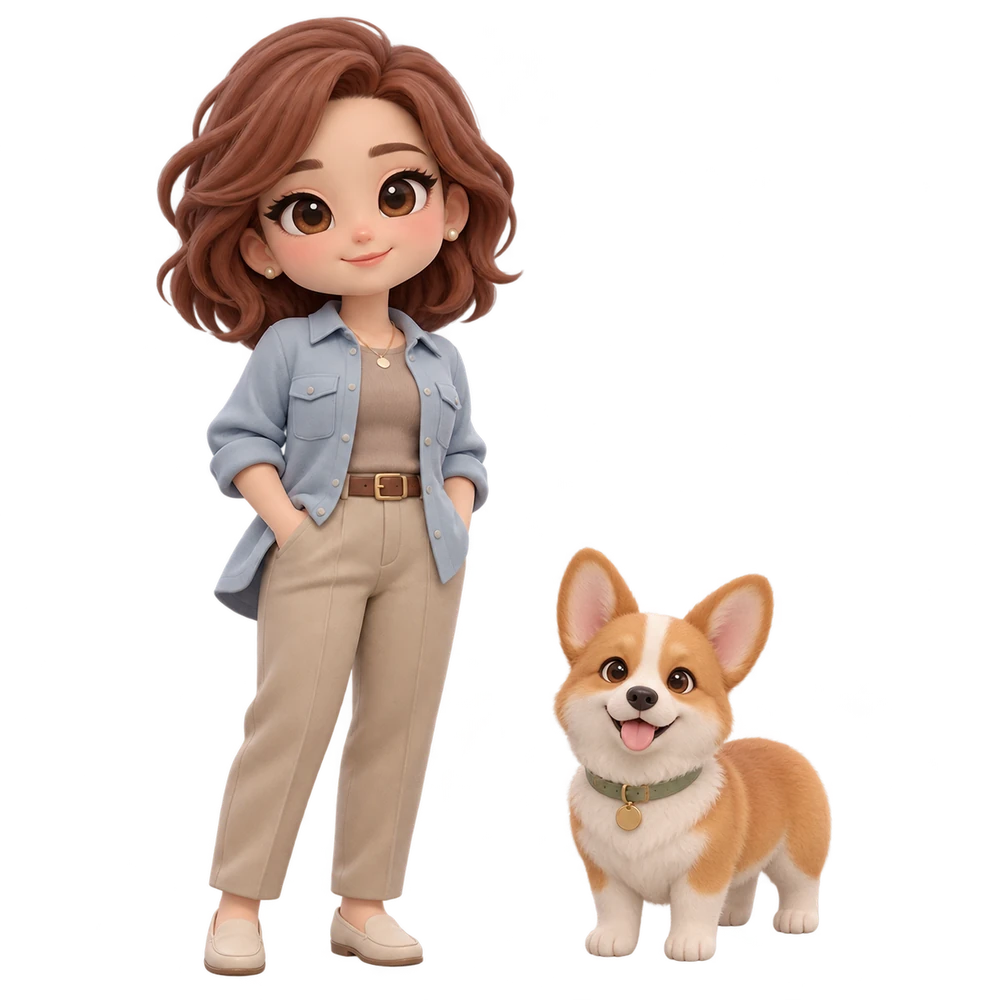
Your AI preview lets you look at a design idea before deciding whether to order a physical figure. It arrives by email through Custom3DFigure, where the preview and ordering steps take place.
Keep your reference and brief nearby
Compare the image with the photo and notes you supplied. Check that the intended people or pet are represented, then look at the hairstyle, outfit and the details you marked as essential.
For two people, check which clothing belongs to each person and whether the design uses the pose you had in mind. For a pet, compare the visible markings with your reference.
Review the design as an image
An AI preview shows a proposed look. It is not a finished-product photograph, a material sample or proof that every small detail can be made exactly as shown.
If an accessory, fine lettering or a complex pose is central to your request, ask the team about it. Keep the question specific so you can make an informed choice before buying.
Use the private link in your email
Open your preview email's private link to review your design and the available figure options. Choose a size and quantity, read the final price and confirm your choices before moving to checkout.
The physical figure is purchased separately from the digital preview. Requesting or receiving a preview does not, by itself, place an order for a physical doll.
Pause if the idea needs clarification
If the preview leaves out a detail you consider essential, contact the team before checkout. Explain the difference between the image and your reference rather than starting a new, conflicting brief.
CustomDollMaker is the place to explore the design direction. Photo uploads, email previews, size selection, payment and orders are handled on Custom3DFigure.
If you are still gathering references, start with the photo guide.